SAMPLE EVENTS & CHECK-IN
Know who plans to come—and who arrived.
An RSVP is a plan. Check-in records an actual arrival. Neither tells you whether a household has finished paying.
SEE HOW IT WORKS
A weekend worth coming together for
6 PM · Welcome and reconnect at Example Community Room.
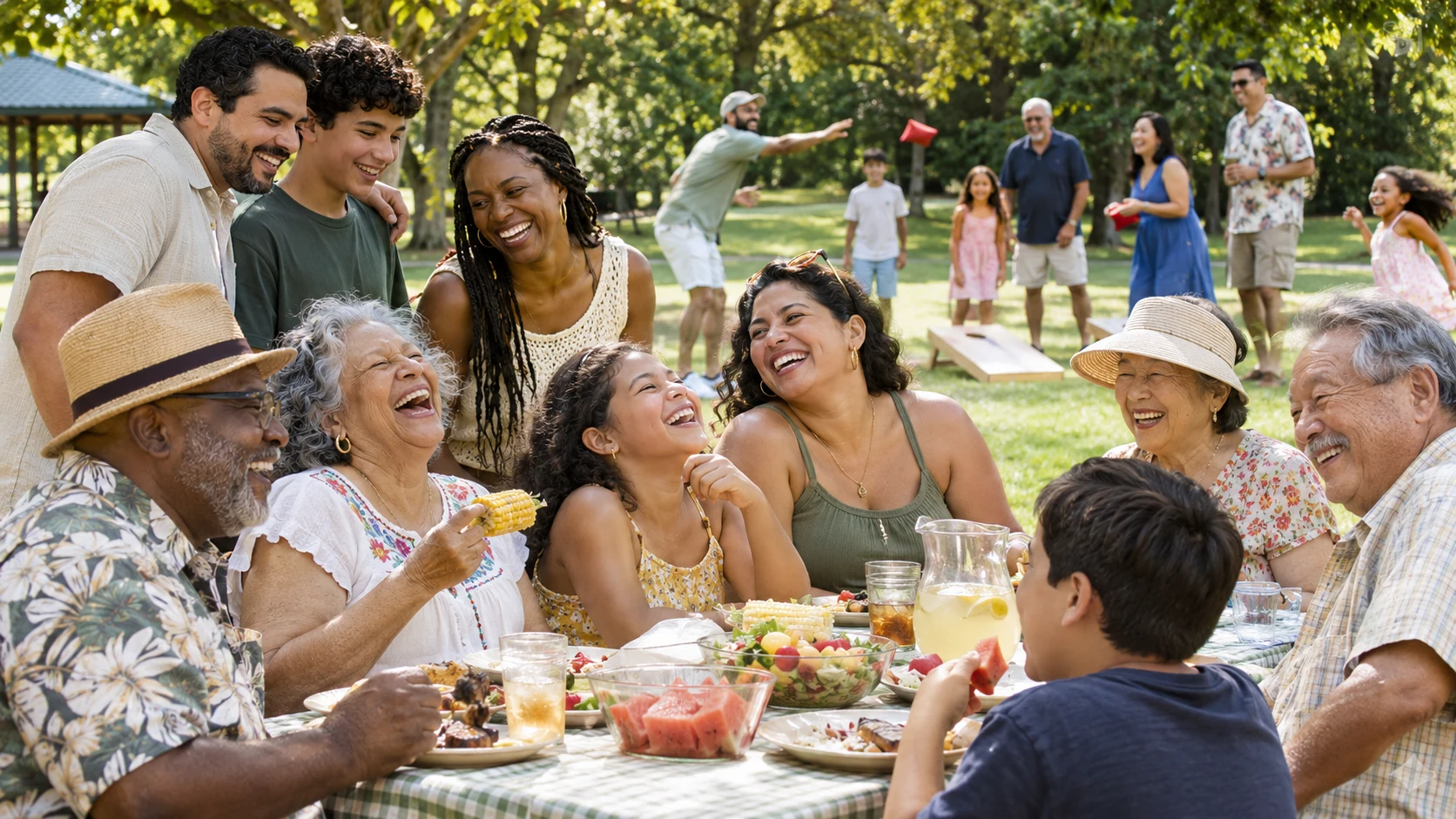
1 PM · Lunch and a group photo at Example Community Park.
9 AM · A farewell and ideas for the next reunion.
- 01RSVP: Attending
A relative plans to come.
- 02Arrival: Checked in
A helper records arrival at the event.
- 03Payment: Separate
Neither an RSVP nor arrival means paid.
Fictional July 16–18, 2027 weekend. Times use America/New_York.
WHEN PLANS CHANGE
Make the new plan easy to spot.
In this example, Saturday’s picnic moved from noon to 1 PM. Family pages show a dated Updated notice with the old and new time. A Canceled event stays visible with an explanation, and restoring it shows Back on schedule.
Existing RSVP answers stay on record. Canceled events stop taking new RSVPs. Relevant reminder plans pause when details change; the committee reviews them before enabling them again. Saving does not send an announcement email.
See all three family notices →Saved calendars and printouts do not update automatically.
Explore the full example & important details
Example weekend schedule
All times use the sample family's America/New_York timezone.
- Friday, July 16 · 6:00 PM
Welcome and family stories
Meet your committee and reconnect. Example Community Room.
- Saturday, July 17 · 1:00 PM
Family picnic
Lunch, games and a group photo. Example Community Park. Collect RSVPs to plan food.
- Sunday, July 18 · 9:00 AM
Farewell gathering
A short goodbye and ideas for the next reunion.
Picnic readiness: six sample attendees
Age-group counts: 3 adults, 1 youth, 1 child and 1 toddler. These registered examples are a small subset of the 150-person planning estimate.
| Attendee | Age group | Picnic RSVP | Arrival |
|---|---|---|---|
| Alex Rivera | Adult | Attending | Not checked in |
| Blair Rivera | Youth | Attending | Not checked in |
| Casey Rivera | Toddler | Attending | Not checked in |
| Jordan Rivera | Adult | Attending | Not checked in |
| Morgan Rivera | Adult | Attending | Not checked in |
| Taylor Rivera | Child | Attending | Checked in · example |
Use the phone view at the event
In the real workspace, permitted helpers open Digital check-in for an event. The green check-in button records arrival and updates the lists. Sorting by first or last name helps people find attendees quickly.
This sample explains that flow; it does not simulate recording arrivals.
Prepare a paper backup
Print attendee lists before reunion day. Digital check-in needs internet access. Printing a report does not mark anyone as arrived.
Handle arrival corrections carefully
Give arrival-correction permission only to helpers who need it. Undo an accidental arrival with a reason so the record remains understandable.